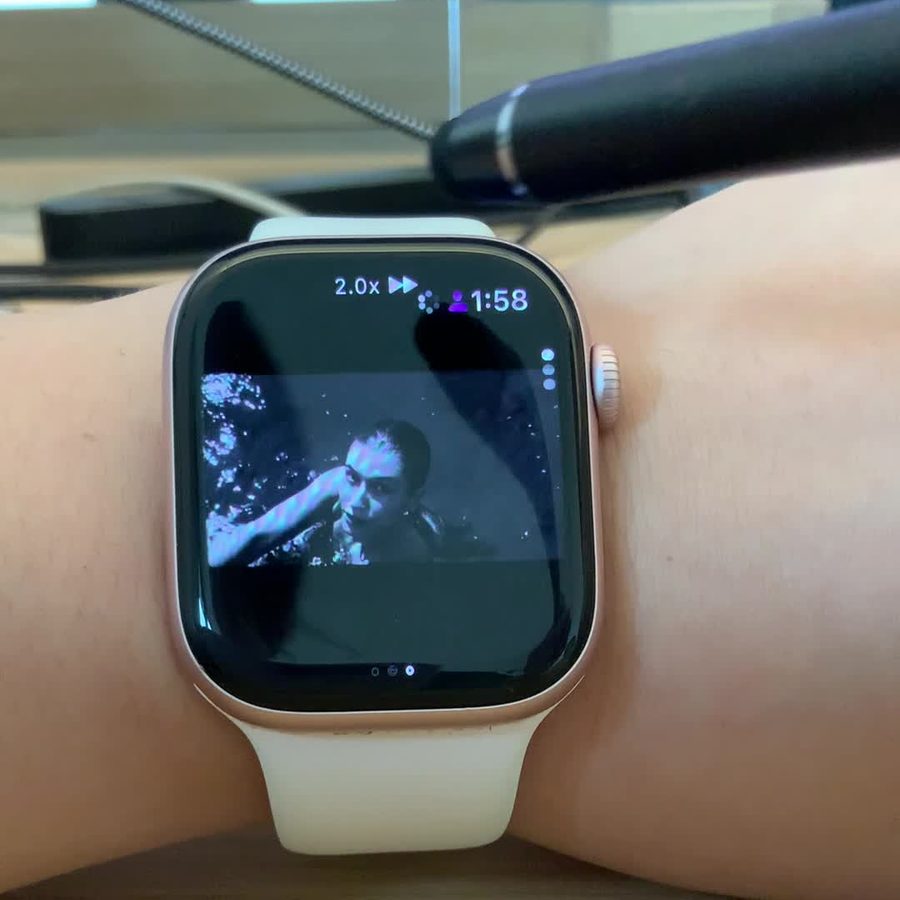
There’s no official YouTube app for Apple Watch. YTWatch fills that gap: it’s a standalone YouTube player that streams videos directly on the watch over Wi‑Fi or cellular, so your iPhone can stay in your pocket — or at home. This guide covers setup, the controls, and how to get the best results away from your phone.
What you need
- An Apple Watch running watchOS 11.4 or later.
- An iPhone with iOS 18 or later to install the app and, if you want, sign in. The companion app also runs on iPadOS 18, macOS 15 on Apple silicon and visionOS 2.
- An internet connection on the watch: Wi‑Fi, or cellular on a cellular model.
- A Google account — optional. You only need it for your own Home feed, subscriptions, playlists, liked videos and comments.
Step 1: Install YTWatch
Download YTWatch for YouTube from the App Store on your iPhone. If automatic app installs are on for your watch, the watch app installs by itself. If not, open the Watch app on your iPhone, find YTWatch under Available Apps and tap Install. You can also install it directly from the App Store on your Apple Watch.
Step 2: Start watching — no sign-in needed
You can start right away. Open YTWatch on your watch and:
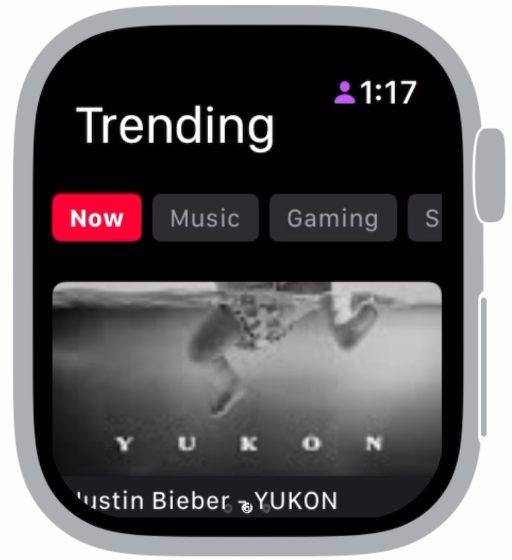
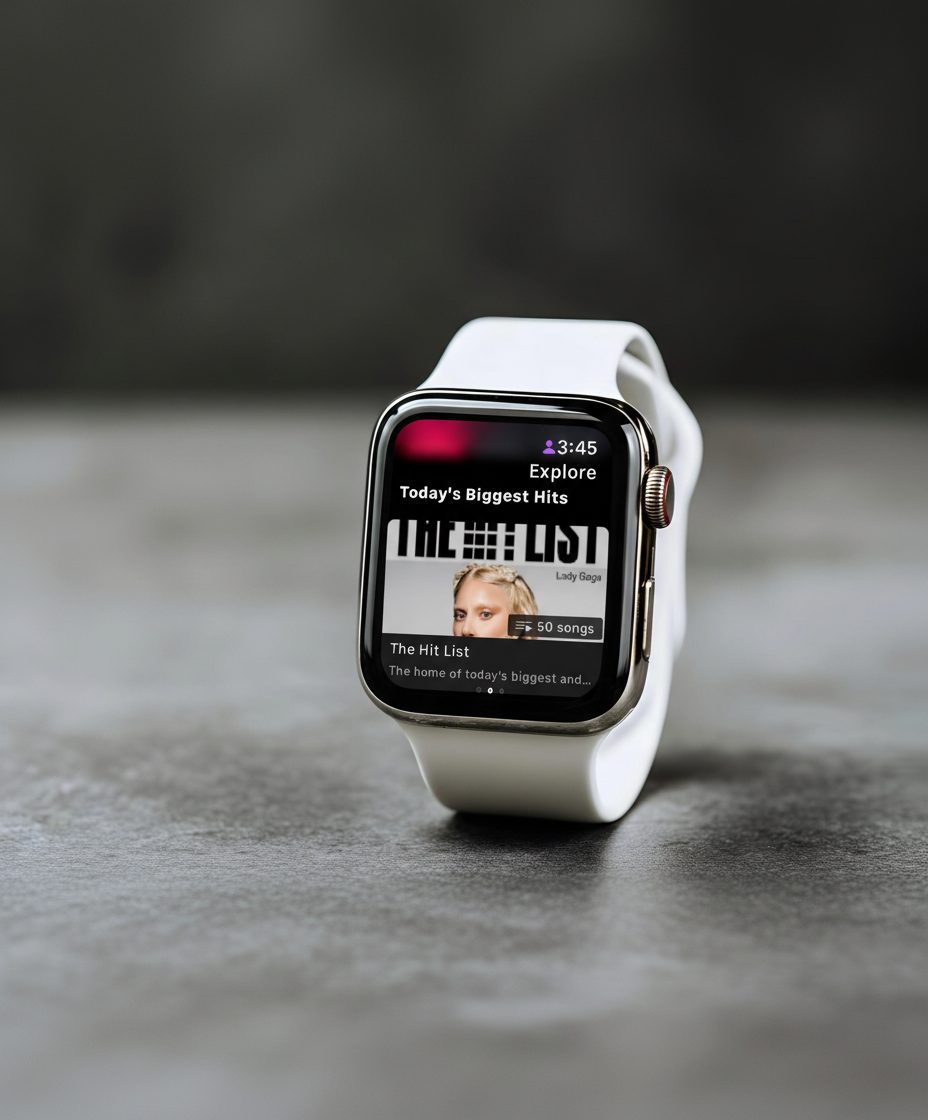
- Explore trending videos by category — Music, Gaming, News, Sports, Fashion and more.
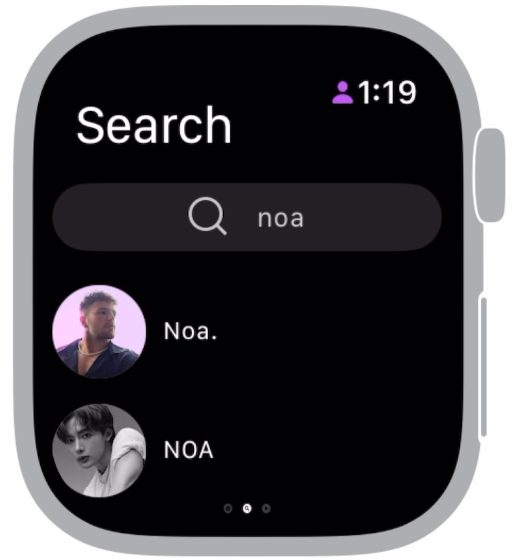
- Search across videos, channels and playlists, with auto-complete, filters for upload date, duration and relevance, and voice search via Siri.
- Open a channel to see its videos and playlists, sorted by newest or most popular.
Step 3: Sign in once for your own feed
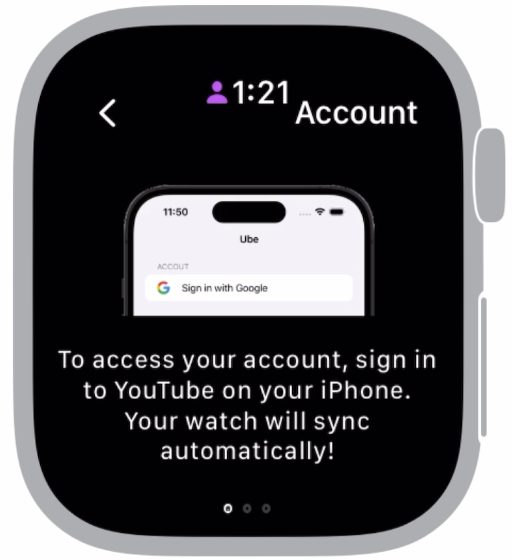
To see your YouTube — Home recommendations, subscriptions, playlists and liked videos — sign in with your Google account. You do this once, on iPhone:
- Open YTWatch on your iPhone.
- Under Account, tap Sign in with Google and follow Google’s sign-in screens.
- Open YTWatch on your watch. Your account syncs automatically, and pages like Subscriptions and Liked Videos fill in.
Sign-in uses Google’s official OAuth flow, so YTWatch never sees your password, and the sign-in token is stored on your device. You can revoke access at any time in your Google account permissions.
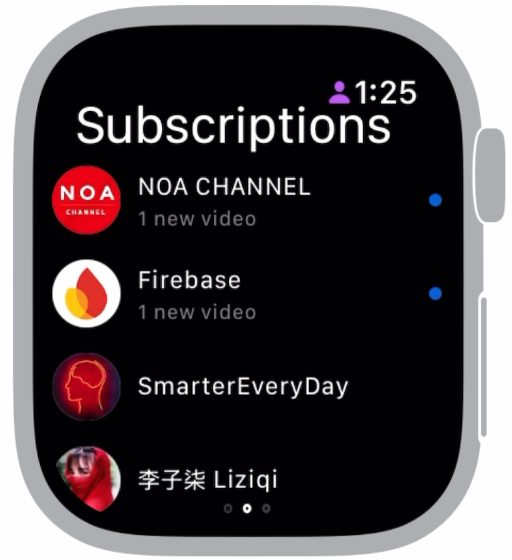
Once you’re signed in you can also like videos, subscribe to channels, create and manage playlists, and post comments from your wrist. Playlists stay in sync with every other device you use YouTube on.
Step 4: Play and control videos
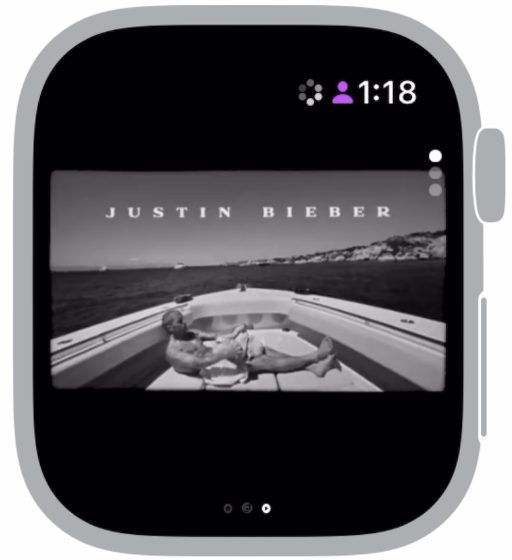
Tap any video to start playing. During playback you can play and pause, seek, change the playback speed and resolution, and adjust the volume. The Digital Crown scrubs through a video precisely and sets the volume without a finger covering the screen.
Every video also has a details page — title, channel, upload date, view count and description — and you can read comment threads with replies.
Settings worth knowing
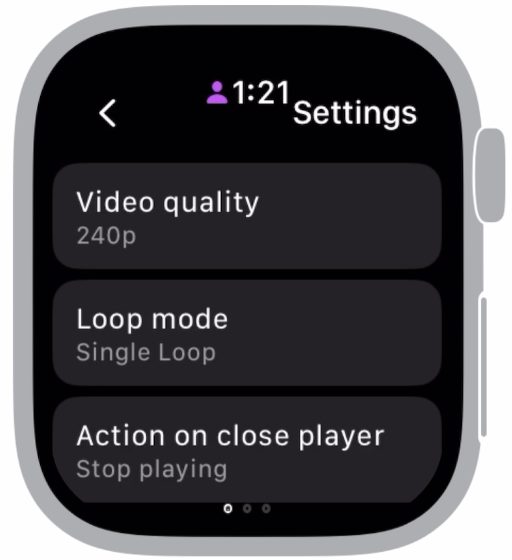
Open Settings in YTWatch on your watch to adjust:
- Video quality — a lower quality such as 240p loads faster and uses less data; a higher one looks sharper.
- Loop mode — choose whether a video repeats.
- Action on close player — choose what happens when you leave the player.
Watching without your iPhone
YTWatch talks to YouTube directly from the watch, so browsing and playback never need your phone nearby.
- Cellular Apple Watch: YTWatch streams over the watch’s own data connection wherever you have signal. Your iPhone can stay at home.
- Wi‑Fi Apple Watch: without your iPhone, the watch needs to be on a Wi‑Fi network. You can join one on the watch in Settings → Wi‑Fi.
- Saving data: on cellular, set a lower Video quality in YTWatch’s settings.
That makes YTWatch handy for workouts, commutes, a run around the block — anywhere carrying a phone is one thing too many.
Shorts and live streams
Shorts have their own feed on YTWatch’s main tab, and Shorts and livestreams also show up in your Home feed. Both play without leaving the app.
Free and Premium
YTWatch is free to download. Premium unlocks full access and starts with a 7-day free trial. Current plans and prices are shown in the app and on the App Store page. You can cancel at any time in your App Store account settings; to avoid being charged after the trial, cancel at least 24 hours before it ends.
If something doesn’t work
First make sure you’re on the latest version — YTWatch 2.2.2 fixed the “Video unplayable” error and playlists that wouldn’t load. For sign-in, loading, sound and billing questions, see Help & troubleshooting, or email [email protected].
YTWatch is an independent, unofficial client built on YouTube API Services. It is not affiliated with, endorsed by or sponsored by YouTube, Google LLC or Apple Inc. Offline downloads aren’t supported.